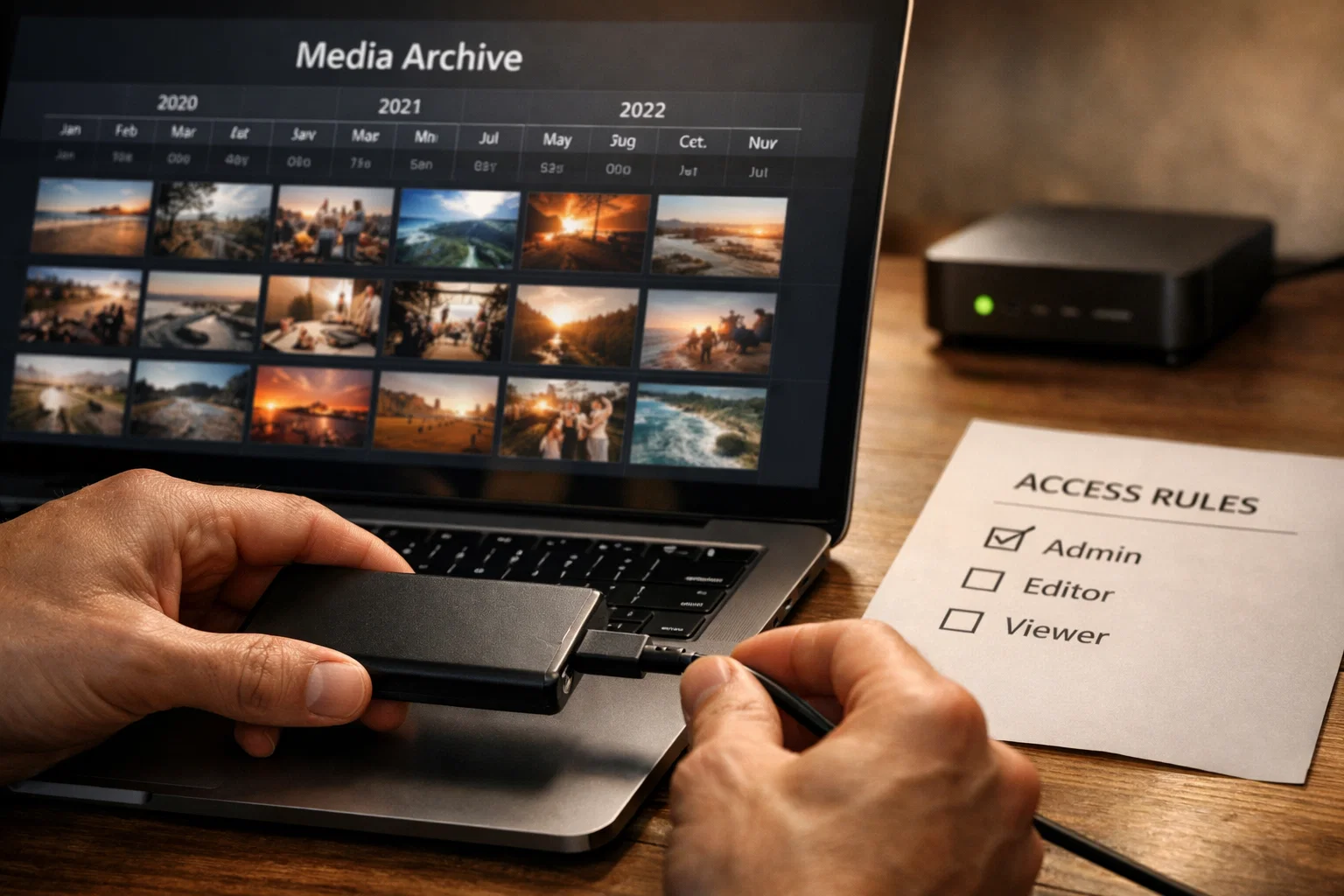
How to Organize a Media Archive for Your Own Content
Storage + access permissions for your own content with AWS S3, CloudFront, or Telegram API
How to Organize a Media Archive for Your Own Content
For your own content, use storage + access permissions, such as AWS S3 with CloudFront or Telegram API.
Step-by-Step Instructions
Follow these steps to organize a reliable media archive for your content.
Choose storage
Consider options:
AWS S3: reliable object storage
Google Cloud Storage: AWS alternative
Telegram API: for storing directly in Telegram
Azure Blob Storage: Microsoft option
Configure access permissions
For AWS S3:
Create IAM role with minimal privileges
Set up bucket policies for access control
Use ACLs or bucket policies for granular control
Enable versioning for deletion protection
Use CDN for delivery
AWS CloudFront or AWS Global Accelerator
Cloudflare CDN for additional security layer
Configure caching policies for optimization
Integrate with Telegram Bot API
Use getFile API to get file paths
Upload files to your storage via webhook
Implement async processing for large files
Add authorization checks to prevent unauthorized access
Add watermark (if needed)
Use FFmpeg or other tools for watermark overlay
Configure automatic processing on upload
Store original and watermarked versions separately
Implement permission management
Define user roles (admin, editor, viewer)
Set up granular permissions for each role
Log all file operations
Implement access revocation as needed
Legal Note
Organize archive only for content you have the right to save and distribute.
We'll implement a reliable content archiving system for your business.
We'll implement a reliable content archiving system for your business.
Related Articles

How to Add Mau Saver to a Telegram Group and Save Media in Chat
A practical guide to adding Mau Saver to a Telegram group and downloading videos, audio, and posts directly in the chat.

How to Advertise to an International Telegram Media Audience
A practical guide for advertisers: reach an international Telegram audience through Mau Saver Bot, group placements, pinned posts, and native media integrations.

AI Assistant Development Cost in 2026: RAG Chatbots, CRM Integrations, Guardrails, and Support
A practical buyer guide to AI assistant development cost in 2026: prototypes, RAG chatbots, knowledge-base assistants, CRM and website integrations, guardrails, evaluations, monitoring, and support.

AI Can Make More. Not Better: What Game Development Research Actually Says
Generative AI is entering game production, but the evidence is more nuanced than the hype. We examine developer adoption, player reception, quality risks, and a practical production model for using AI without outsourcing taste.