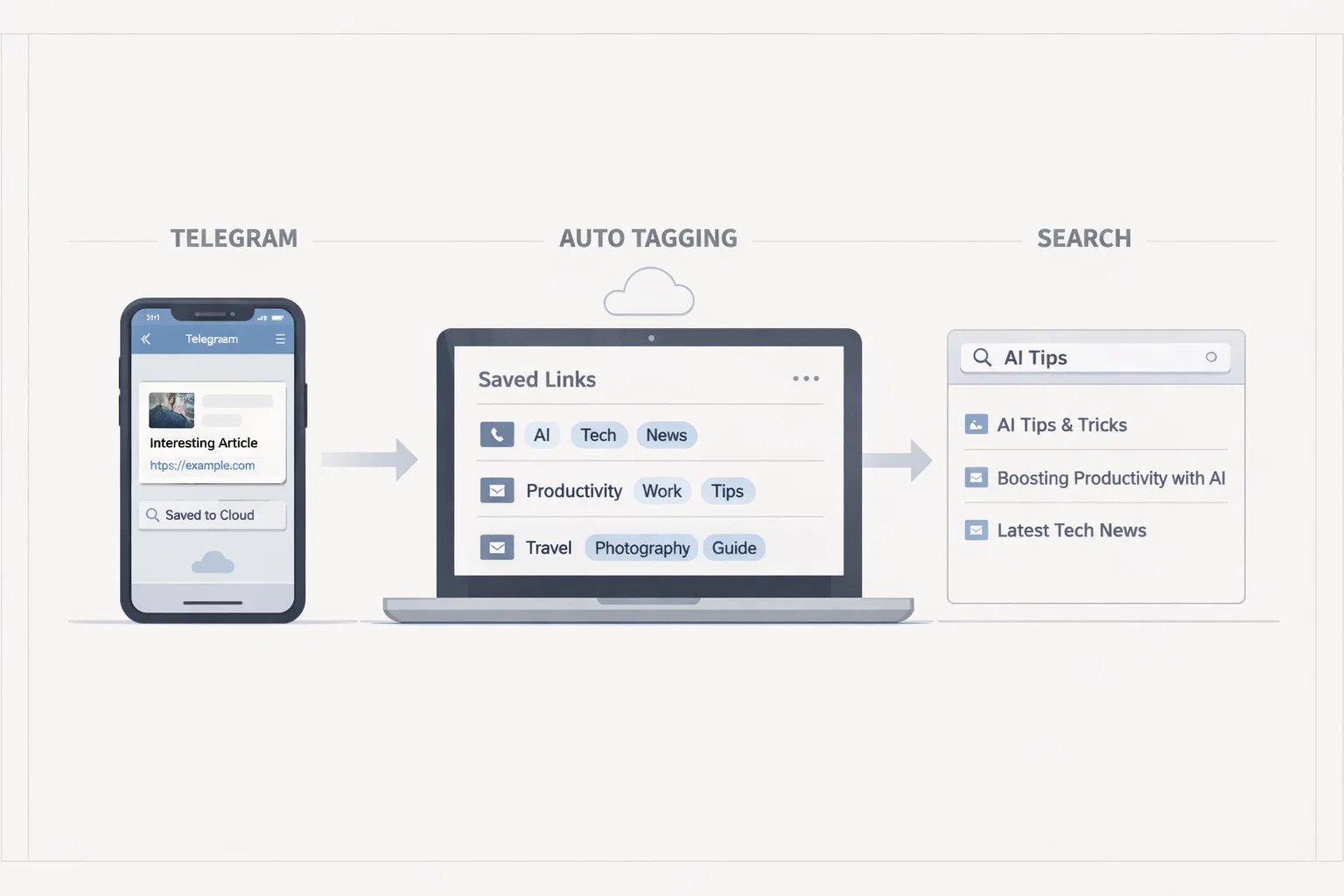
Automatic Tagging & Search for Saved Links
Integrate with GDrive/S3/Notion for automatic tagging and fast search via search APIs
Automatic Tagging & Search for Saved Links
Integrate your bot with GDrive/S3/Notion for automatic tagging and fast search via search APIs.
Step-by-Step Instructions
Follow these steps to implement automatic tagging and fast search for your saved links.
Use API for metadata extraction
Telegram Bot API to get message information
Open Graph API to extract meta tags from URLs
Custom scraper for additional metadata
OCR API for reading text from images (if needed)
Set up auto-tagging (categories, topics)
Keyword analysis in titles and descriptions
Categorization by content type (video, photo, text)
Tagging by source (YouTube, Twitter, personal)
Using ML models for context understanding
Integrate search engine
Elasticsearch — powerful search with analysis
Algolia — hosted solution with fast search
Meilisearch — open source alternative to Algolia
Notion API — use Notion's built-in search
Add voice search (if needed)
Use Whisper or similar API for speech-to-text
Integrate with Telegram voice messages
Convert voice queries to text and perform search
Support multiple languages for voice search
Implement filtering by tags/date
By one or multiple tags
By date range
By content type
By link source
Combined filters for complex queries
Legal Note
Index only links and metadata you have the right to save.
We'll create an automatic content organization system tailored to your needs.
We'll create an automatic content organization system tailored to your needs.
Related Articles

How to Add Mau Saver to a Telegram Group and Save Media in Chat
A practical guide to adding Mau Saver to a Telegram group and downloading videos, audio, and posts directly in the chat.

How to Advertise to an International Telegram Media Audience
A practical guide for advertisers: reach an international Telegram audience through Mau Saver Bot, group placements, pinned posts, and native media integrations.

AI Assistant Development Cost in 2026: RAG Chatbots, CRM Integrations, Guardrails, and Support
A practical buyer guide to AI assistant development cost in 2026: prototypes, RAG chatbots, knowledge-base assistants, CRM and website integrations, guardrails, evaluations, monitoring, and support.

AI Can Make More. Not Better: What Game Development Research Actually Says
Generative AI is entering game production, but the evidence is more nuanced than the hype. We examine developer adoption, player reception, quality risks, and a practical production model for using AI without outsourcing taste.