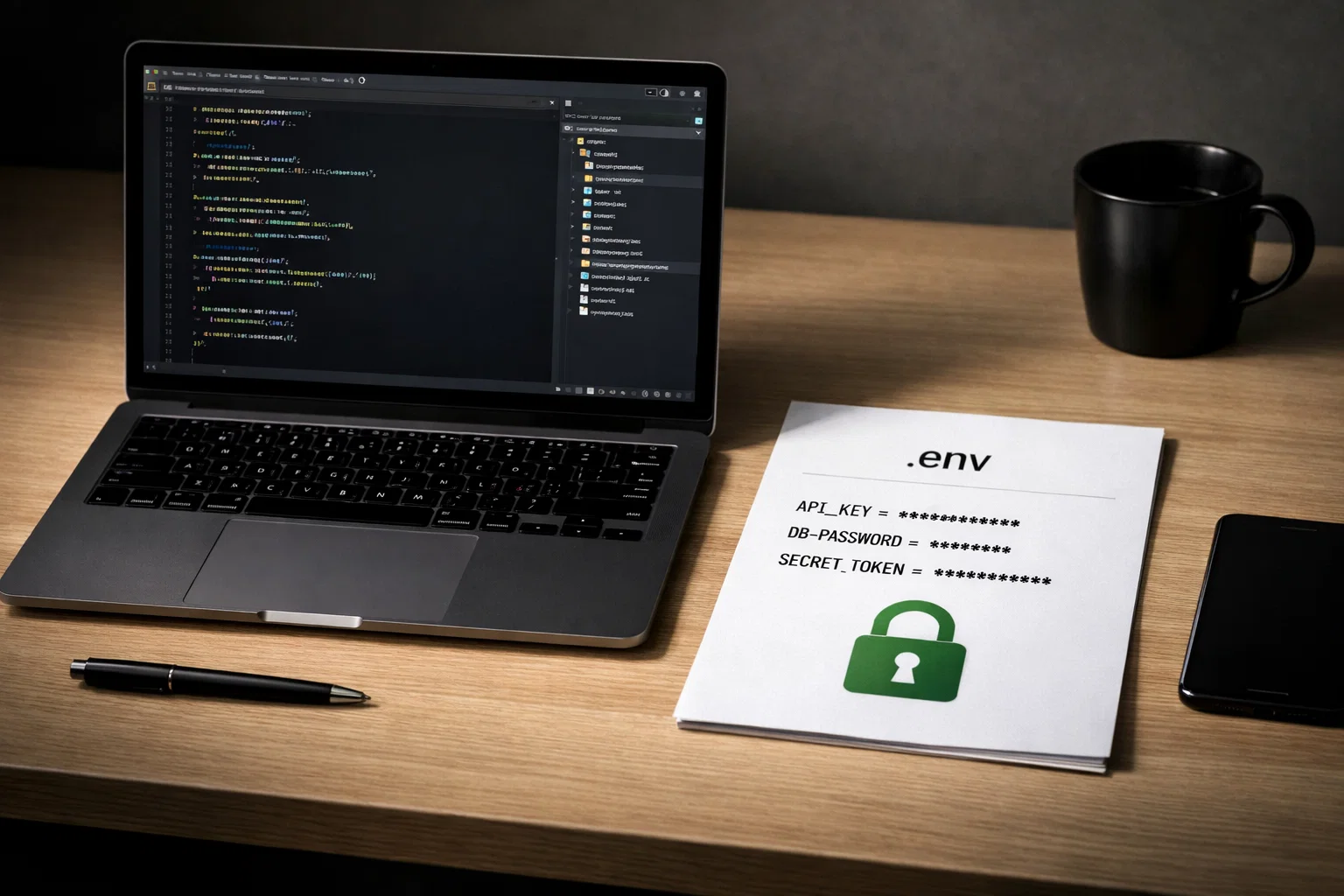
git-env-vault for monorepos: encrypted .env files in Git
A practical guide to git-env-vault for monorepos: how secrets stay encrypted in Git, how developers pull local .env files, and where SOPS, age, and CI fit into the workflow.
`git-env-vault` is a CLI and TUI tool for keeping encrypted `.env` secrets in Git in a monorepo. It supports local pull workflows, per-service `.env` outputs, and a full SOPS + age path for editing, access control, and rotation. [1][2][3][4][5]
What git-env-vault changes in practice
The main point is not only that secrets are encrypted. The repo also gets a cleaner workflow around them.
What git-env-vault is
git-env-vault is a Node-based CLI and TUI built around encrypted .env secrets for monorepos. The repo describes it in a straightforward way: encrypted secret files in Git, SOPS + age underneath, and local and CI workflows on top. [1]
It is not trying to be a hosted secret manager. The model is repository-based. Secret files stay encrypted in Git, service mappings decide where decrypted local files go, and the CLI handles pull, diff, push, access changes, and CI checks. [1][2][3][4]
How the storage model works
It helps to think about the system as a few separate files with separate jobs.
Encrypted secrets live under secrets/
The configuration docs show a layout like secrets/<env>/<service>.sops.yaml. Those files stay encrypted in the repository. [3]
envvault.config.json maps services to local outputs
Each service points to an envOutput path such as apps/api/.env, so local decrypted files end up where the monorepo actually needs them. [3]
Easy mode vs full mode
This is the first boundary worth learning, because it keeps onboarding simpler without pretending every machine needs the full admin stack on day one.
| Comparison point | Easy mode | Full mode |
|---|---|---|
| What it uses | JS decrypt fallback, usually through cryptoBackend: "auto" | System sops + age installed locally |
| Best for | Local pull and read-oriented onboarding | Editing, grant, revoke, updatekeys, rotate, and push |
| What it does not try to do | It does not replace system SOPS for shared write and key-management tasks | It is the expected path when shared encrypted state or recipients need to change |
A normal developer flow
The common path is short, which makes it easier to adopt.
Local-only values are treated as a real use case
This is one of the most practical parts of the tool, especially in repos with bots, local tokens, or developer-specific credentials.
A short config example from the docs shows the idea clearly:
{
  "placeholderPolicy": {
    "preserveExistingOnPlaceholder": true,
    "patterns": ["__MISSING__", "CHANGEME*", "*PLACEHOLDER*"]
  },
  "localProtection": {
    "global": ["BOT_TOKEN"],
    "services": {
      "api": ["TELEGRAM_BOT_TOKEN"]
    }
  },
  "services": {
    "api": { "envOutput": "apps/api/.env" },
    "worker": { "envOutput": "apps/worker/.env" }
  }
}
localProtection preserves selected local keys
Placeholder-safe pull avoids pointless breakage
Two CI patterns, two different jobs
The docs split CI into verification and payload delivery, because those are different tasks.
Use ci-verify
Use ci-seal and ci-unseal
Common mistakes when adopting it
The tool is easier to use well when the boundaries are clear.
Sources
These sources support the command behavior, configuration model, and security guidance used in this article.
Need help cleaning up a monorepo secrets workflow?
The hard part is usually not encryption itself. It is the workflow around it: local overrides, access changes, CI checks, and repo hygiene. PAS7 Studio can help shape that into a cleaner setup with clearer service boundaries, safer defaults, and fewer places for secrets drift to grow.
Related Articles

How to Add Mau Saver to a Telegram Group and Save Media in Chat
A practical guide to adding Mau Saver to a Telegram group and downloading videos, audio, and posts directly in the chat.

How to Advertise to an International Telegram Media Audience
A practical guide for advertisers: reach an international Telegram audience through Mau Saver Bot, group placements, pinned posts, and native media integrations.

AI Assistant Development Cost in 2026: RAG Chatbots, CRM Integrations, Guardrails, and Support
A practical buyer guide to AI assistant development cost in 2026: prototypes, RAG chatbots, knowledge-base assistants, CRM and website integrations, guardrails, evaluations, monitoring, and support.

AI Can Make More. Not Better: What Game Development Research Actually Says
Generative AI is entering game production, but the evidence is more nuanced than the hype. We examine developer adoption, player reception, quality risks, and a practical production model for using AI without outsourcing taste.
Professional development for your business
We create modern web solutions and bots for businesses. Learn how we can help you achieve your goals.