Official Offline Viewing & Saving Methods
Built-in Telegram functions for offline viewing and content saving
Official Offline Viewing & Saving Methods
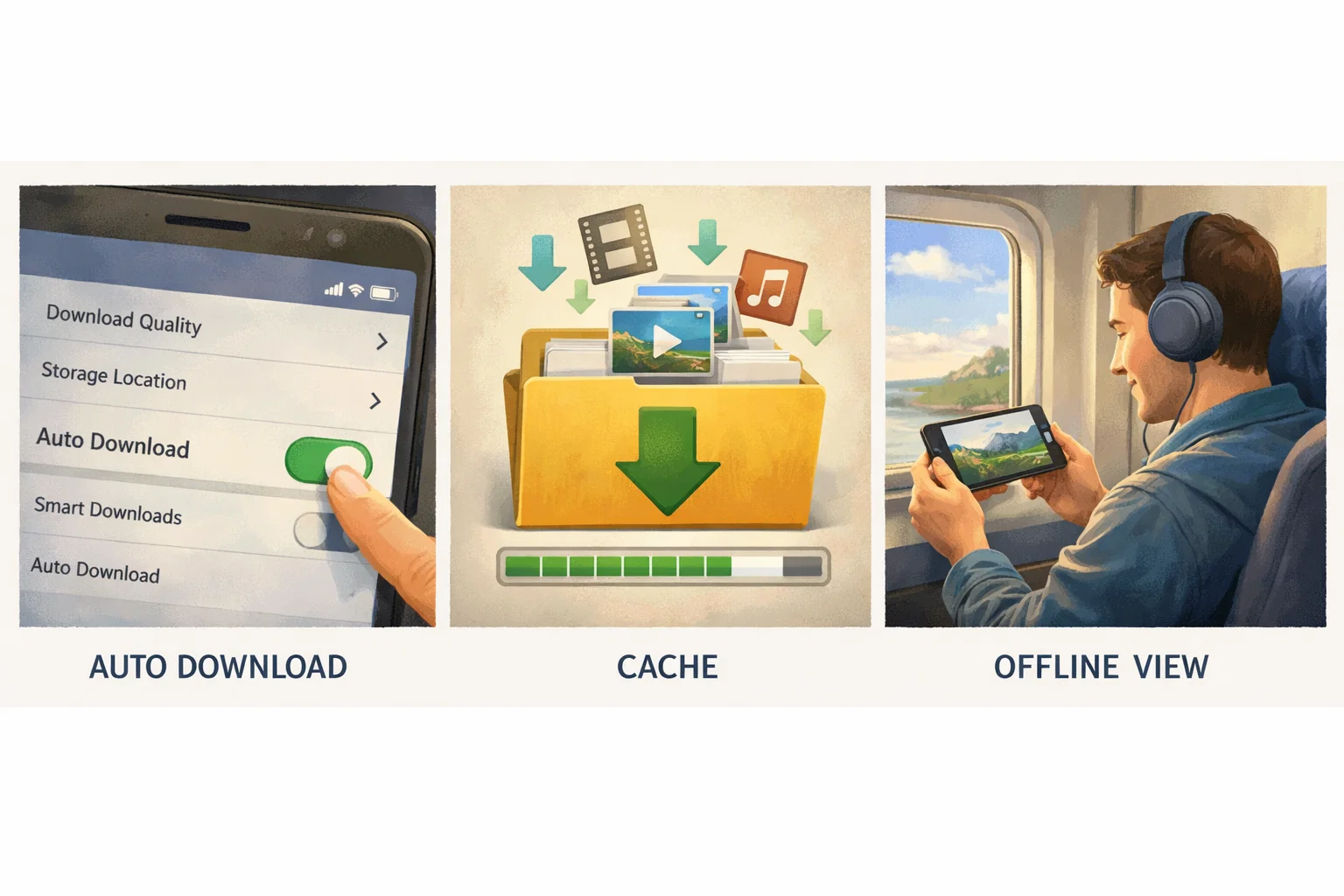
Telegram supports offline caching and automatic downloading for viewing without internet.
Automatic media download in settings
Go to Settings → Data and Storage → Automatic media download. Select media types and network for automatic downloading.
Caching for offline viewing
Telegram automatically caches viewed photos and videos. Depending on cache settings, content remains available offline.
Saving to Saved Messages
Forward messages to "Saved Messages" — your personal archive inside Telegram.
How to share link/preview
Click on message → Copy Link or Share to create a link with preview.
Legal Note
Use only official Telegram functions for content you have the right to save.
Automate your Telegram workflow with legal methods for your business.
Automate your Telegram workflow with legal methods for your business.
Related Articles

How to Add Mau Saver to a Telegram Group and Save Media in Chat
A practical guide to adding Mau Saver to a Telegram group and downloading videos, audio, and posts directly in the chat.

How to Advertise to an International Telegram Media Audience
A practical guide for advertisers: reach an international Telegram audience through Mau Saver Bot, group placements, pinned posts, and native media integrations.

AI Assistant Development Cost in 2026: RAG Chatbots, CRM Integrations, Guardrails, and Support
A practical buyer guide to AI assistant development cost in 2026: prototypes, RAG chatbots, knowledge-base assistants, CRM and website integrations, guardrails, evaluations, monitoring, and support.

AI Can Make More. Not Better: What Game Development Research Actually Says
Generative AI is entering game production, but the evidence is more nuanced than the hype. We examine developer adoption, player reception, quality risks, and a practical production model for using AI without outsourcing taste.