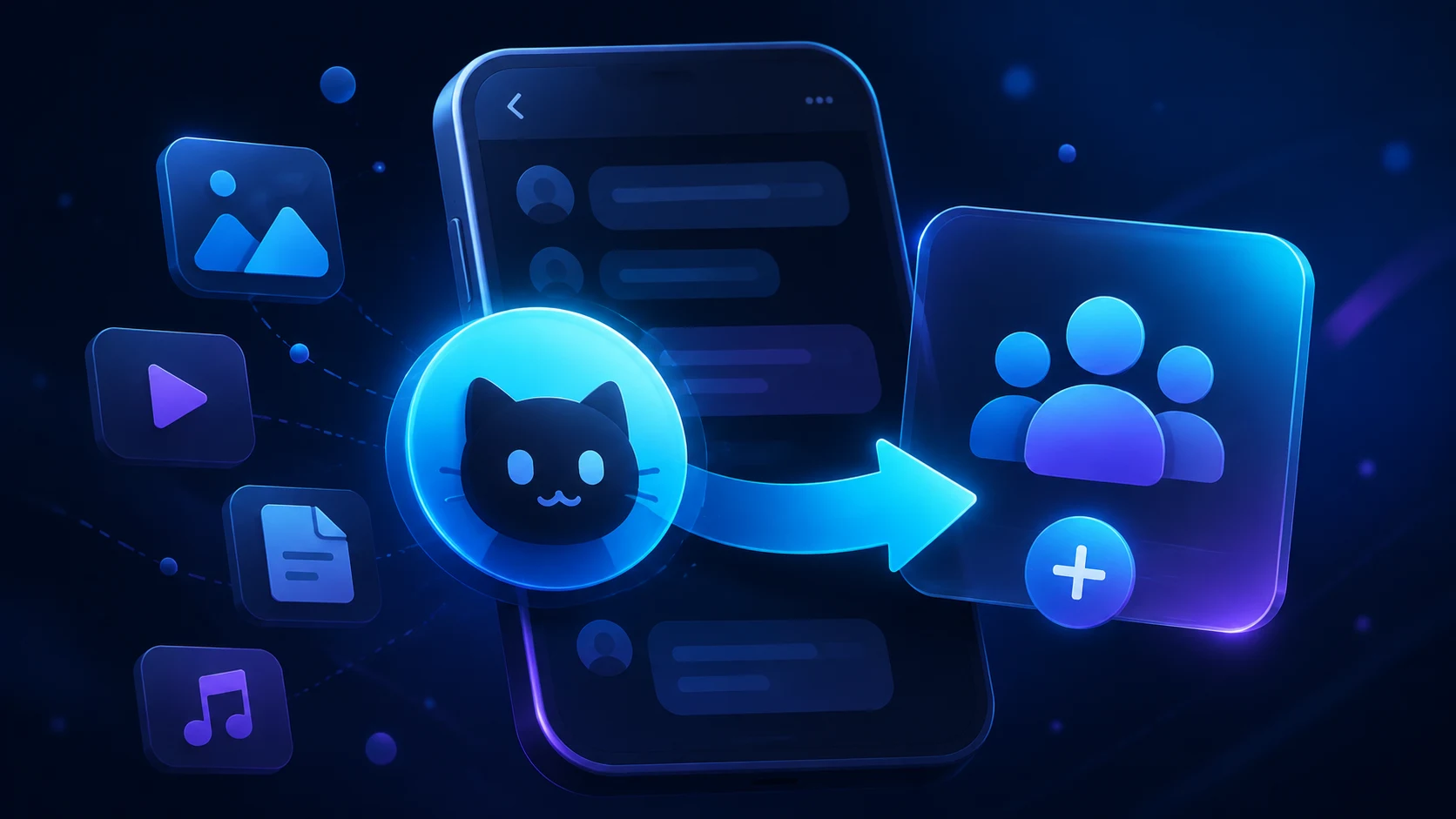
How to Add Mau Saver to a Telegram Group and Save Media in Chat
A practical guide to adding Mau Saver to a Telegram group and downloading videos, audio, and posts directly in the chat.
Why media keeps getting lost in group chats
Work and community chats fill up with TikToks, Reels, YouTube links, memes, and voice messages. Saving every file manually means opening random websites, dealing with pop-ups, or moving links between several apps.
Mau Saver keeps the workflow inside Telegram: send a URL to the chat and the bot returns the available media or a transcript. No extra account and no pile of browser tabs.
How to add Mau Saver to your Telegram chat
Open the bot
Go to @mau_saver_bot in Telegram and press Start if this is your first visit.
Add it to a group
Use the add-to-group button, then choose the Telegram group where you want to use it.
Keep standard permissions
Mau Saver works as a regular member. It does not need admin rights or access to your chat history.
Send a link
Paste a URL from TikTok, Instagram, YouTube, Reddit, Facebook, or another supported platform.
What Mau Saver handles after you add it
Videos and Reels
Save TikTok and Instagram videos without jumping to unreliable downloader sites.
YouTube and audio
Get videos, Shorts, music, or playlists in the Telegram chat you already use.
Voice messages
Turn long voice and video messages into text that is easier to scan and search.
Shared references
Keep useful media in one group so your team does not lose it in private messages.
Which permissions does Mau Saver need?
No admin rights
Add the bot as a regular group member for the basic workflow.
No account credentials
You do not need to share a TikTok, Instagram, or YouTube password.
Respect content rights
Save and share only media you are allowed to use.
FAQ
No. For the basic workflow, add it as a regular group member.
Send a link from a supported platform directly to the chat. Mau Saver processes it and returns the available media.
Yes, if you have permission to add members to that group.
Add Mau Saver to your chat in a minute
One bot takes care of the small media tasks your group repeats every day.
Related Articles

How to Advertise to an International Telegram Media Audience
A practical guide for advertisers: reach an international Telegram audience through Mau Saver Bot, group placements, pinned posts, and native media integrations.
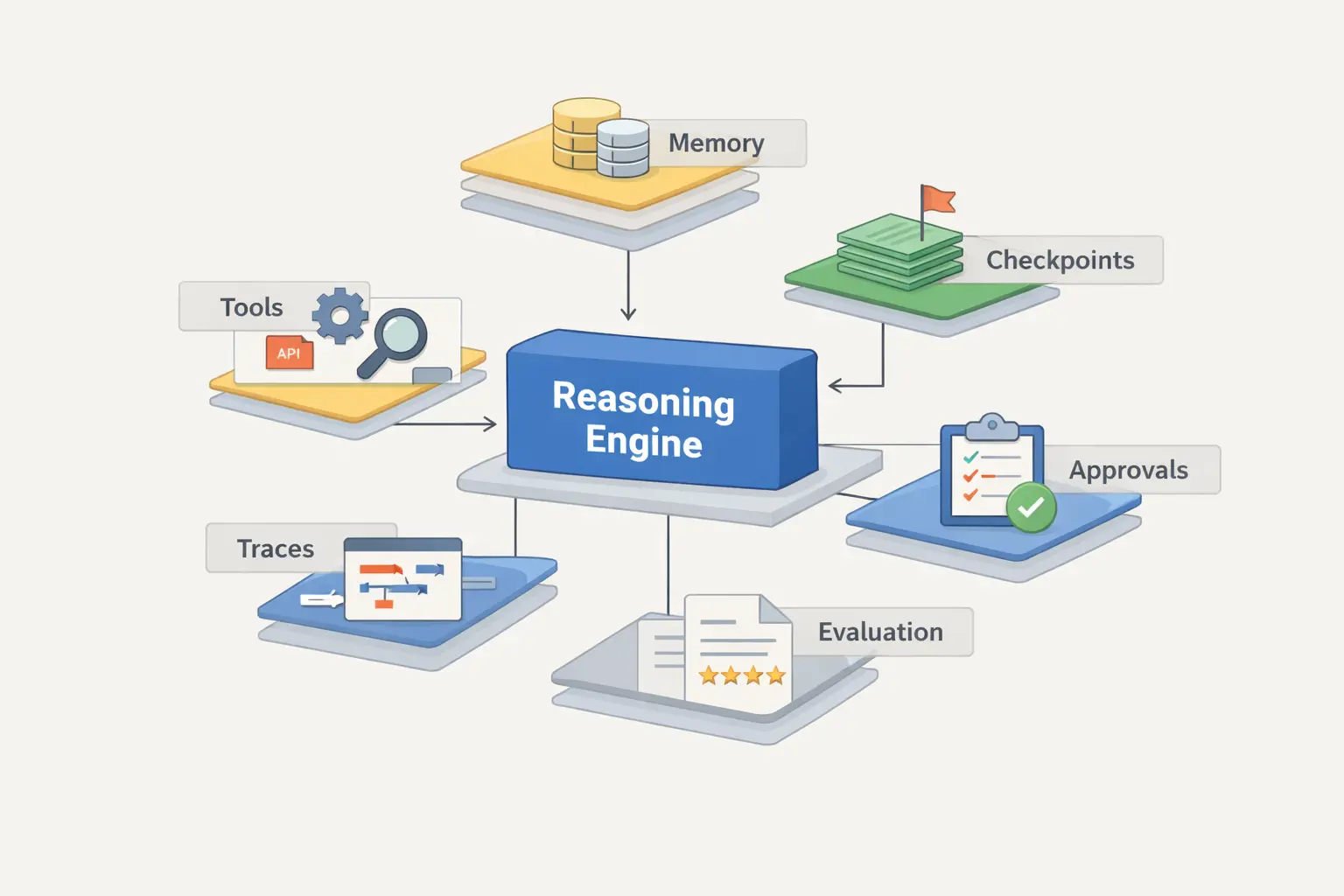
AI Assistant Development Cost in 2026: RAG Chatbots, CRM Integrations, Guardrails, and Support
A practical buyer guide to AI assistant development cost in 2026: prototypes, RAG chatbots, knowledge-base assistants, CRM and website integrations, guardrails, evaluations, monitoring, and support.

AI Can Make More. Not Better: What Game Development Research Actually Says
Generative AI is entering game production, but the evidence is more nuanced than the hype. We examine developer adoption, player reception, quality risks, and a practical production model for using AI without outsourcing taste.
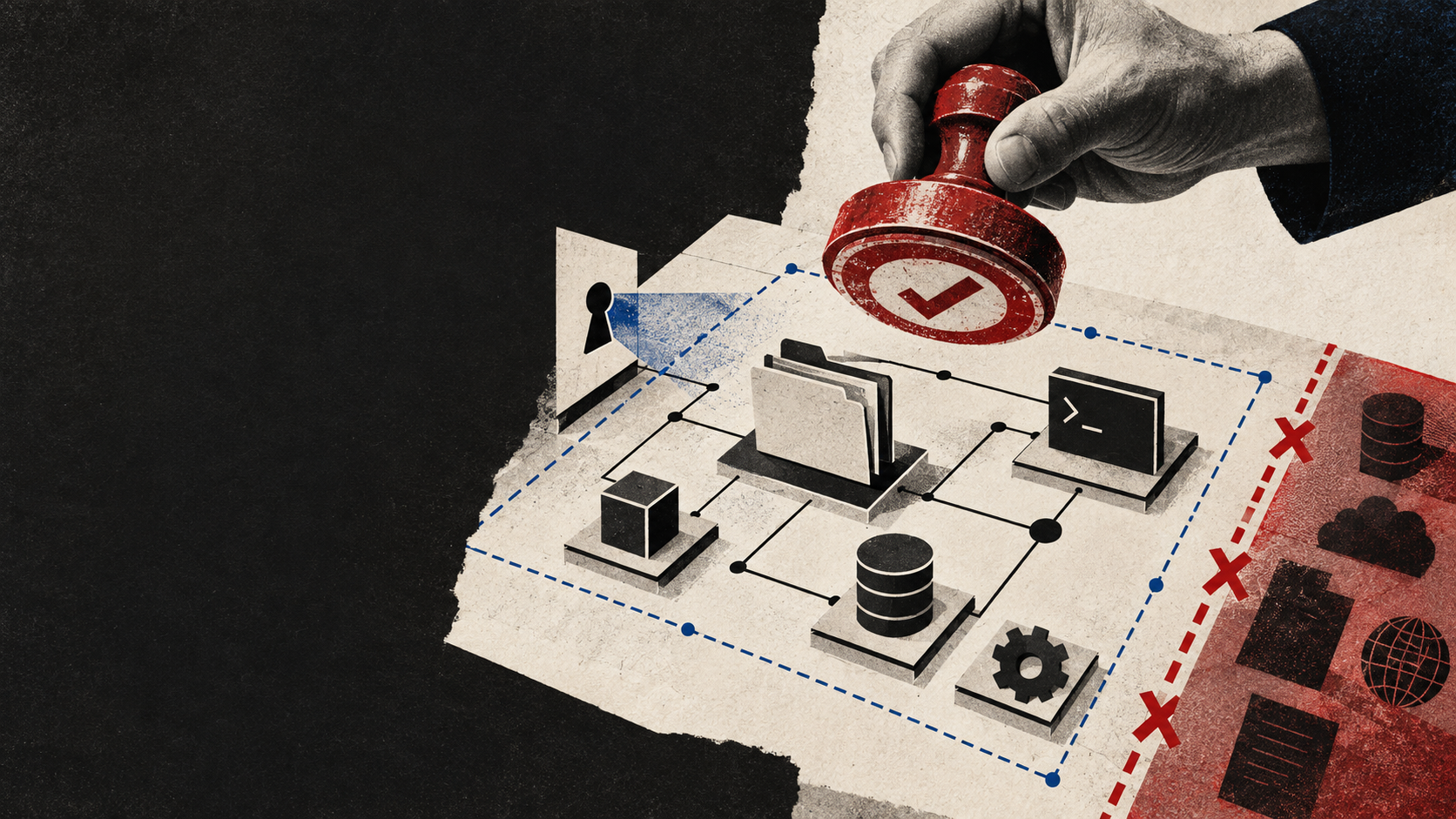
AI coding agents on a team: where speed ends and control begins
How to give an AI coding agent useful access to a repository, issue tracker, and environment without making CI, secrets, and production depend on a prompt.
Telegram Bot Development & Automation
Telegram bot development for business: chatbot flows, CRM integrations, payment-enabled bots, admin panels, analytics, and ongoing support.
Business Automation & CRM Integrations
Business process automation and CRM integration services: lead automation, API integrations, webhooks, and workflow optimization for operations and sales.