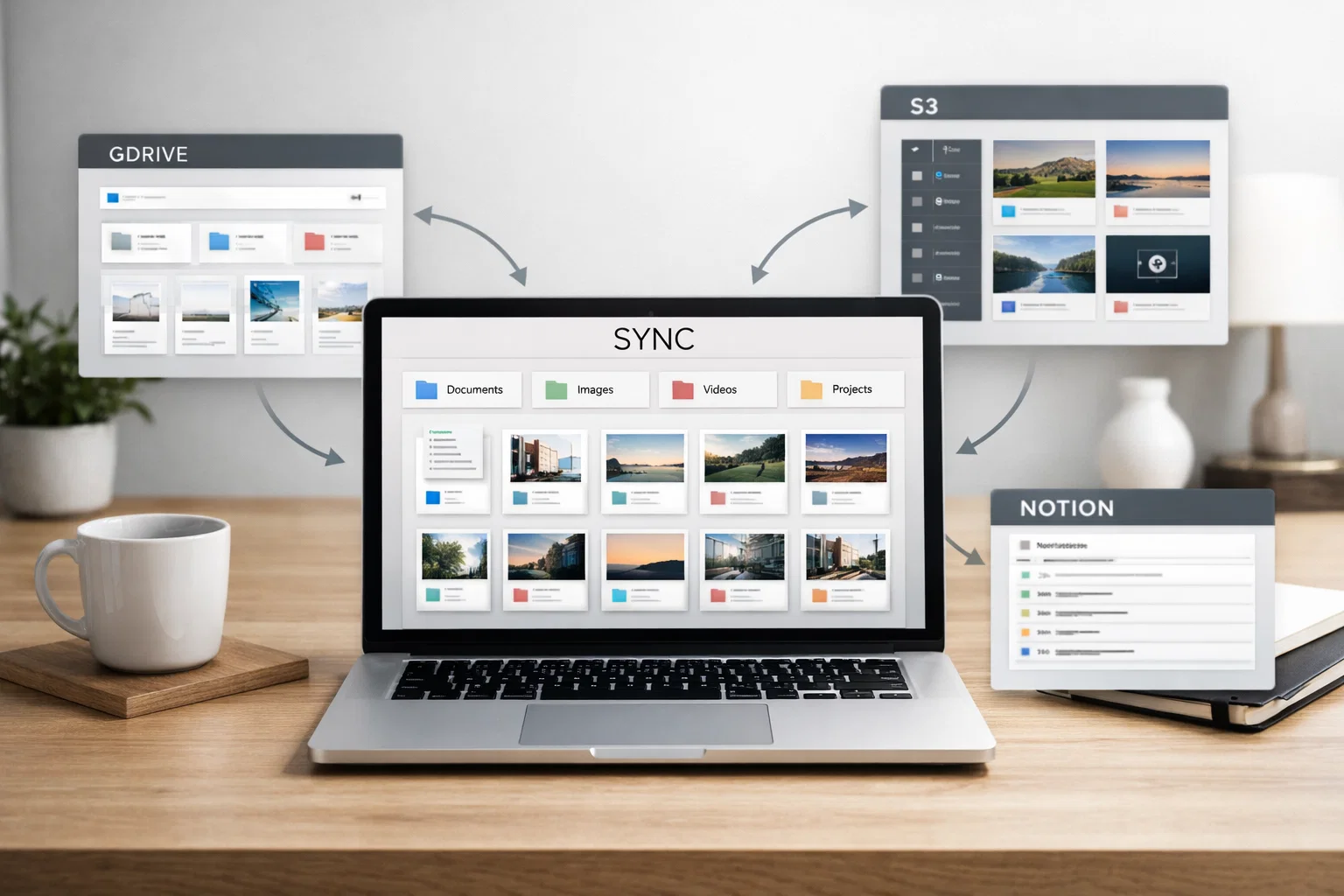
Integrations: GDrive, S3, Notion for Content Organization
Using official APIs to integrate with GDrive, AWS S3, Notion, and other services
What this guide covers
This guide explains how to use official APIs to integrate with Google Drive, AWS S3, Notion, and other services for content organization.
You will learn how to get API keys, set up OAuth, implement CRUD operations, add synchronization, and create unified search across all your services.
By the end, you will have a clear understanding of how to integrate these services with your Telegram bot or application for seamless automation.
Get API keys for each service
Start by obtaining API credentials for each service you want to integrate with. This is required for secure API access and authorization.
Google Drive: Go to Google Cloud Console, create new product, enable Google Drive API, create OAuth 2.0 credentials, save client ID and client secret
AWS S3: Go to IAM Console, create new user with programmatic access, add policy for S3 bucket access, save Access Key ID and Secret Access Key
Notion: Go to Notion Integration settings, create new integration, get Internal Integration Token, add integration to your workspace
Set up OAuth (if needed)
For Google Drive, you need to implement OAuth 2.0 flow to obtain authorization from users and get a refresh token for long-term access.
Implement OAuth 2.0 flow
Get refresh token for long-term access
Handle token refresh automatically
Store tokens securely
Implement CRUD operations
Use the following API endpoints to perform Create, Read, Update, and Delete operations with each service.
Add synchronization
Implement bidirectional synchronization between your services to keep content consistent across all platforms.
Implement bidirectional sync
Set up conflict resolution
Add error handling and retry logic
Log all sync operations
Create unified search
Combine search results from all your integrated services to create a unified search experience for your users.
Combine results from all sources
Implement ranking by relevance
Add filtering by source
Support faceted search
Important Legal Considerations
Follow each service's API usage policies. Store only content with permission. Make sure to comply with terms of service and privacy regulations for each integrated service.
Ready to integrate your services with Telegram?
We'll integrate your services with Telegram for seamless automation. Contact us to discuss your integration needs and get started with a custom solution.
Related Articles

How to Add Mau Saver to a Telegram Group and Save Media in Chat
A practical guide to adding Mau Saver to a Telegram group and downloading videos, audio, and posts directly in the chat.

How to Advertise to an International Telegram Media Audience
A practical guide for advertisers: reach an international Telegram audience through Mau Saver Bot, group placements, pinned posts, and native media integrations.

AI Assistant Development Cost in 2026: RAG Chatbots, CRM Integrations, Guardrails, and Support
A practical buyer guide to AI assistant development cost in 2026: prototypes, RAG chatbots, knowledge-base assistants, CRM and website integrations, guardrails, evaluations, monitoring, and support.

AI Can Make More. Not Better: What Game Development Research Actually Says
Generative AI is entering game production, but the evidence is more nuanced than the hype. We examine developer adoption, player reception, quality risks, and a practical production model for using AI without outsourcing taste.