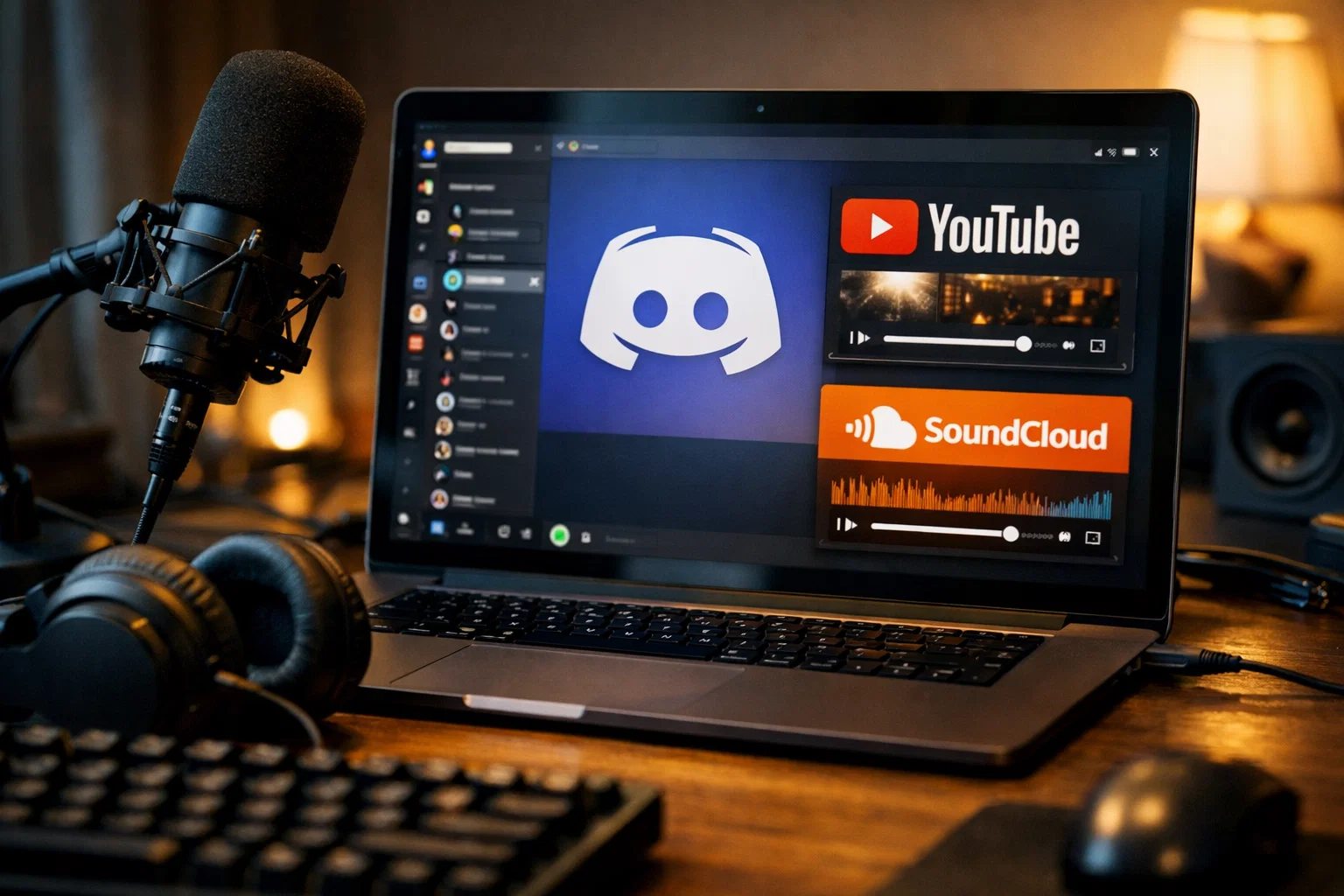
How to Listen to YouTube and SoundCloud Music in Discord
A technical and practical guide explaining how YouTube and SoundCloud music playback works in Discord, why bots are required, and how to listen safely and reliably in 2025.
Why Discord does not play YouTube or SoundCloud natively
Discord is primarily a real-time communication platform designed for voice, video, and text communication, not a media streaming service. For legal, technical, and licensing reasons, Discord does not provide built-in playback for platforms such as YouTube or SoundCloud. [1][2]
Streaming copyrighted content directly inside a platform requires agreements with content owners, regional licensing, and content moderation infrastructure. Discord avoids this complexity by allowing third-party integrations instead of native media playback. [3]
How Discord music bots work technically
Discord music bots act as automated users that join voice channels and stream audio data in real time. They do not "embed" YouTube or SoundCloud players, but instead fetch audio streams and relay them as voice packets to Discord servers. [4][5]
Most modern music bots rely on external audio processing layers such as Lavalink or similar streaming backends. These systems handle decoding, buffering, and reconnection logic to ensure stable playback even under network fluctuations. [6]
Supported music platforms
While YouTube and SoundCloud are the most common sources, many Discord music bots support additional platforms depending on their backend and configuration. Availability may change due to platform restrictions. [5][7]
YouTube videos and playlists
YouTube Music search results
SoundCloud tracks and playlists
Direct audio URLs and radio streams
Legal and policy considerations
How to listen to music in Discord step by step
Using a Discord music bot typically follows a simple and consistent workflow, regardless of the specific implementation. [4][5]
Invite a Discord music bot to your server from the official Discord App Directory.
Join a voice channel where you want to listen to music.
Use slash commands to search or play a track from YouTube or SoundCloud.
Control playback using pause, skip, queue, and volume commands.
Recommended Discord music bot
For reliable YouTube and SoundCloud playback, it is important to use a bot that is actively maintained, follows Discord API updates, and has a stable audio backend. [6]
Discord Music Bot
This Discord music bot supports YouTube and SoundCloud playback, stable queues, and modern slash commands. It is designed to work reliably across servers without complex setup.
Sources and further reading
Authoritative references related to Discord, audio streaming, and platform policies.
Listen to music together in Discord
Listening to music in Discord relies on bots that bridge external platforms and voice channels. Understanding the technical and legal limitations helps set realistic expectations and choose reliable tools. [1][6] Using a maintained Discord music bot allows communities to share music, host listening sessions, and enhance social interaction without leaving the platform.
Related Articles

How to Add Mau Saver to a Telegram Group and Save Media in Chat
A practical guide to adding Mau Saver to a Telegram group and downloading videos, audio, and posts directly in the chat.

How to Advertise to an International Telegram Media Audience
A practical guide for advertisers: reach an international Telegram audience through Mau Saver Bot, group placements, pinned posts, and native media integrations.

AI Assistant Development Cost in 2026: RAG Chatbots, CRM Integrations, Guardrails, and Support
A practical buyer guide to AI assistant development cost in 2026: prototypes, RAG chatbots, knowledge-base assistants, CRM and website integrations, guardrails, evaluations, monitoring, and support.

AI Can Make More. Not Better: What Game Development Research Actually Says
Generative AI is entering game production, but the evidence is more nuanced than the hype. We examine developer adoption, player reception, quality risks, and a practical production model for using AI without outsourcing taste.