How to Download Audio from YouTube Music and SoundCloud
A practical 2026 guide to downloading audio from YouTube Music and SoundCloud, which options actually exist on the market, what official apps really allow, and where their limits begin.
If you only need offline listening inside one official app, the cleanest route is YouTube Music Premium or SoundCloud Go. If you need a practical cross-platform workflow inside Telegram, where YouTube Music, SoundCloud, Instagram audio, TikTok audio, playlists, and ready files live in one place, Mau Saver Bot is the stronger option.
Where to start if you need to download audio
This is where the real difference begins. The question is not whether downloading audio is possible at all. The question is whether the method you pick still feels reasonable by the fifth link, the second platform, and the first playlist.
What the official platforms actually allow
The official answer from YouTube Music is straightforward. Premium members can "download music and podcasts to your device for up to 30 days." [1] That is useful, but it is also the boundary. The same help surface clarifies that offline and background play are only available in the YouTube, YouTube Kids, and YouTube Music mobile apps. [2] In other words, this is offline listening inside Google's own product, not a flexible export workflow.
SoundCloud works in a very similar way. Its paid plans also push "offline listening and ad-free streaming," again inside the SoundCloud experience itself. [3] That is a good answer if SoundCloud is the only thing you need. It stops being enough the moment your saved audio starts living across several services.
That is why people keep looking for alternative workflows. Most of them are not searching for a hacker-grade stack. They usually just want one place where they can send a link and get a usable audio file back, without juggling browser tabs, desktop scripts, and four different apps.
The simplest mental model is this: official apps are great if you stay inside one ecosystem, but cross-platform saving needs a different toolchain. [1][2][3]
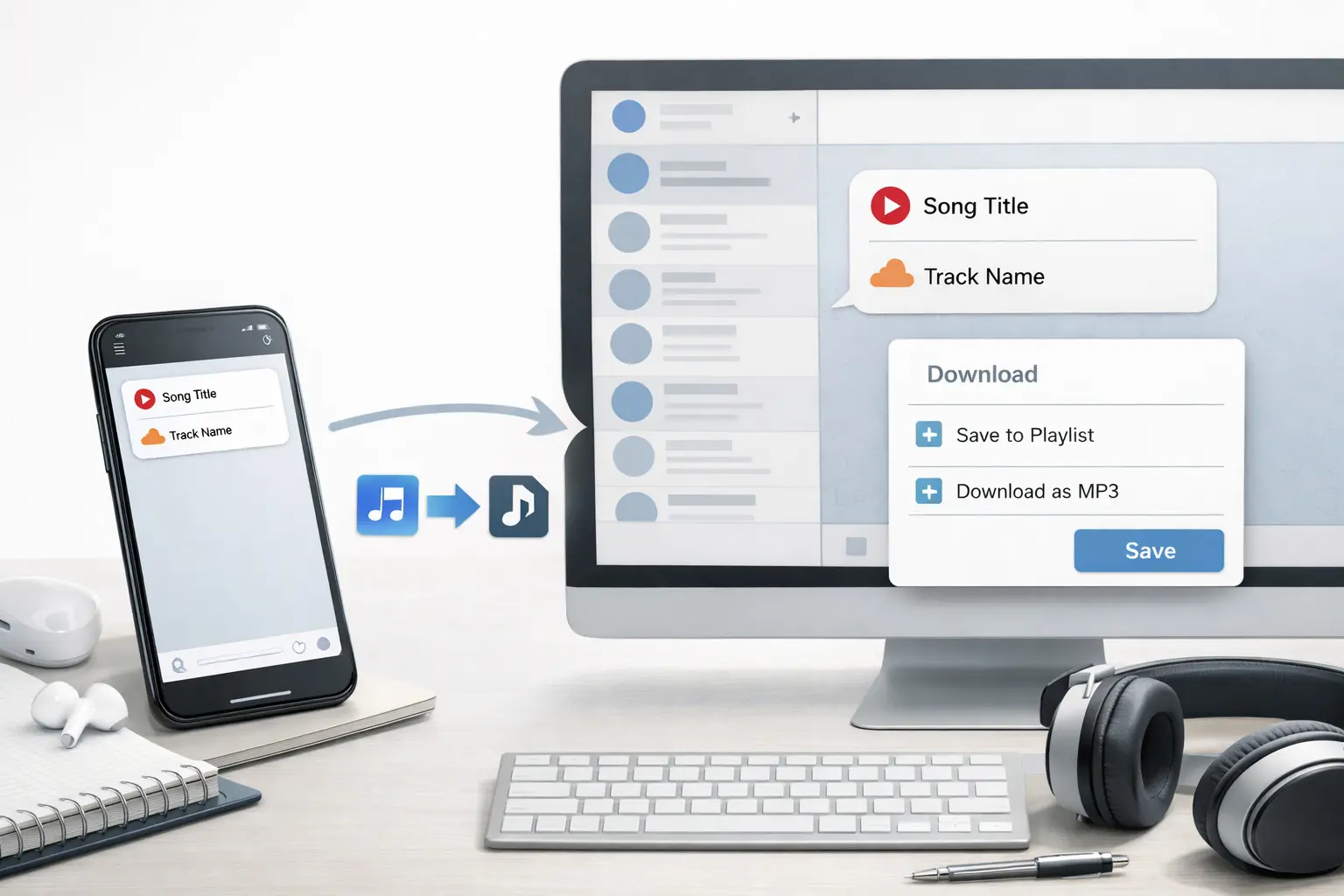
Section official-options screenshotIn practice, this is the flow that matters: one Telegram path for YouTube Music, SoundCloud, and saving ready audio files without switching tools.
Section official-options screenshotHow to download audio through Telegram bots step by step
If we take Mau Saver Bot as a concrete example, it lets you download audio from YouTube Music and SoundCloud through one repeatable Telegram flow. For the user it is simple: paste the link, wait for processing, receive the ready file or the full batch of tracks.
Open Mau Saver Bot in Telegram
The simplest route is a private chat. It also works in groups, but private chat is more comfortable for larger playlist flows.
Paste a YouTube Music or SoundCloud link
The bot validates the URL, detects the platform, and routes it into the correct download flow. YouTube Music and SoundCloud are both handled as audio-first flows with playlist support.
Wait for the progress message and delivery
Mau Saver shows progress while the audio is being prepared. For playlist flows it also keeps session state and returns grouped results instead of leaving you with a silent timeout.
Save the file or keep it inside Telegram
If you only need quick listening, Telegram is already enough. If you need local files, you can save them to your device, forward them, or archive them in a private channel.
Reuse the same flow for other platforms
This is where Mau Saver pulls away from narrow music-only tools. The same bot also handles other media sources that often sit next to music discovery in real life, including Instagram audio, TikTok audio, and mixed media flows.
What Mau Saver supports and what it offers in practice
Once you look into Mau Saver a bit more closely, it becomes clear that this is not just a bot for one source. It covers a much broader range of audio and media workflows than most comparable tools.
In one screen you can see the main strength of Mau Saver: YouTube Music, SoundCloud, Instagram audio, TikTok audio, and playlist handling without switching tools.
Section what-mau-saver-supports screenshotYouTube Music and SoundCloud with playlist logic
The codebase has dedicated flows for YouTube Music and SoundCloud, audio caching, progress sessions, and full playlist delivery logic for private chats or unlocked flows.
Telegram-native delivery
This matters more than it sounds. Mau Saver works in private chats, groups, and inline mode, but intentionally does not support large playlists in inline. That is the right tradeoff for Telegram UX and reliability, not a product gap.
A broader audio and media surface
The same stack already supports YouTube, Instagram, TikTok, Twitter, Facebook, Reddit, and Pinterest. For someone who actually collects references across platforms, that makes it a much stronger everyday tool than a single-purpose bot.
Operational details that ordinary tools often hide
Caching, background tasks, progress updates, grouped audio delivery, playlist limits, and platform-specific handlers all point to a product built for repeated use, not for one lucky demo download.
How Mau Saver compares to the main alternatives
A fair comparison is about matching the tool to the actual workload. But if we talk about the everyday task of an ordinary user, Mau Saver does look stronger here.
| Comparison point | Mau Saver Bot | Official app downloads | Classic downloader bots | yt-dlp CLI |
|---|---|---|---|---|
| Works inside Telegram | Yes | No | Usually yes | No |
| YouTube Music tracks | Yes | Yes | Mixed | Yes |
| SoundCloud tracks | Yes | Yes | Yes | Yes |
| Playlist-friendly flow | Yes | App-only | Mixed | Yes |
| Cross-platform media beyond music | Strong coverage | No | Usually weak | Strong |
| Setup difficulty | Low | Low | Low | High |
| Best fit | Everyday cross-platform saving | One official ecosystem | Narrow bot use | Power users and automation |
Where each approach actually wins
If you strip away the marketing layer, different tools win in different environments.
Use official app downloads
Use Mau Saver Bot
This is the best choice if your links come from several places, you already live in Telegram, and you want one repeatable workflow for tracks, playlists, and adjacent media sources. For most ordinary users, this is the most practical general option.
Use yt-dlp
This is your route if you want maximum control, scripting, and fine-grained format handling, and you are comfortable maintaining a CLI stack. The tool is strong, but for ordinary users it is not the easiest path. [6]
Use a narrow downloader bot
This only makes sense when your workflow is genuinely narrow. The moment you start jumping between SoundCloud, YouTube Music, TikTok audio, and Instagram audio, these bots start to feel too small.
What most often breaks expectations
Most frustration in audio downloading comes not from one single bug, but from using the wrong expectations for the tool.
Inline mode is not the same as the full bot chat mode, but Mau Saver does support inline mode for YouTube Music and SoundCloud for single tracks. Playlists are not supported in inline.
CLI tools feel universal right up to the moment cookies, extractor changes, or environment issues show up. After that, the sense of simplicity disappears very quickly. [6]
Summary
A good workflow is the one that matches your real behavior. For one paid music ecosystem, official offline is enough. For cross-platform saving inside Telegram, Mau Saver is much more appropriate.
FAQ
Yes, but the official route is tied to YouTube Music Premium and works as offline listening inside the YouTube Music app rather than as a general export workflow. [1][2]
Yes, SoundCloud Go and Go+ support offline listening inside the SoundCloud ecosystem. But that is not the same thing as one working flow across several media platforms. [3][4]
Because official apps solve one platform at a time. Mau Saver becomes stronger when your real workflow needs YouTube Music, SoundCloud, playlists, Instagram audio, TikTok audio, and saving inside Telegram in one place.
For raw control and scripting, yt-dlp is a very strong tool. For ordinary users who want speed, Telegram-native delivery, and a low setup barrier, Mau Saver is the simpler everyday option. [6]
Yes, playlist flows are supported, but large playlist downloads are intentionally blocked in inline mode and redirected into direct bot chat or groups. For Telegram, that is the more reliable flow.
Most narrow bots focus on one or two platforms. Mau Saver is broader by design and supports audio and media workflows across several social platforms, which makes it much more practical as an everyday tool.
Sources and further reading
The comparison below combines official platform policies with the live positioning of current tools on the market.
The practical answer is not one app. It is one working flow.
If you only need offline listening inside one paid music app, the official route is still the cleanest. But if your real everyday behavior spans YouTube Music, SoundCloud, Telegram, and other social platforms, Mau Saver Bot is the more useful answer because it keeps the whole workflow in one place. That is the real win: less switching, fewer dead ends, and one bot that is broader than the usual audio-only competitors.
Related Articles

How to Add Mau Saver to a Telegram Group and Save Media in Chat
A practical guide to adding Mau Saver to a Telegram group and downloading videos, audio, and posts directly in the chat.

How to Advertise to an International Telegram Media Audience
A practical guide for advertisers: reach an international Telegram audience through Mau Saver Bot, group placements, pinned posts, and native media integrations.

AI Assistant Development Cost in 2026: RAG Chatbots, CRM Integrations, Guardrails, and Support
A practical buyer guide to AI assistant development cost in 2026: prototypes, RAG chatbots, knowledge-base assistants, CRM and website integrations, guardrails, evaluations, monitoring, and support.

AI Can Make More. Not Better: What Game Development Research Actually Says
Generative AI is entering game production, but the evidence is more nuanced than the hype. We examine developer adoption, player reception, quality risks, and a practical production model for using AI without outsourcing taste.