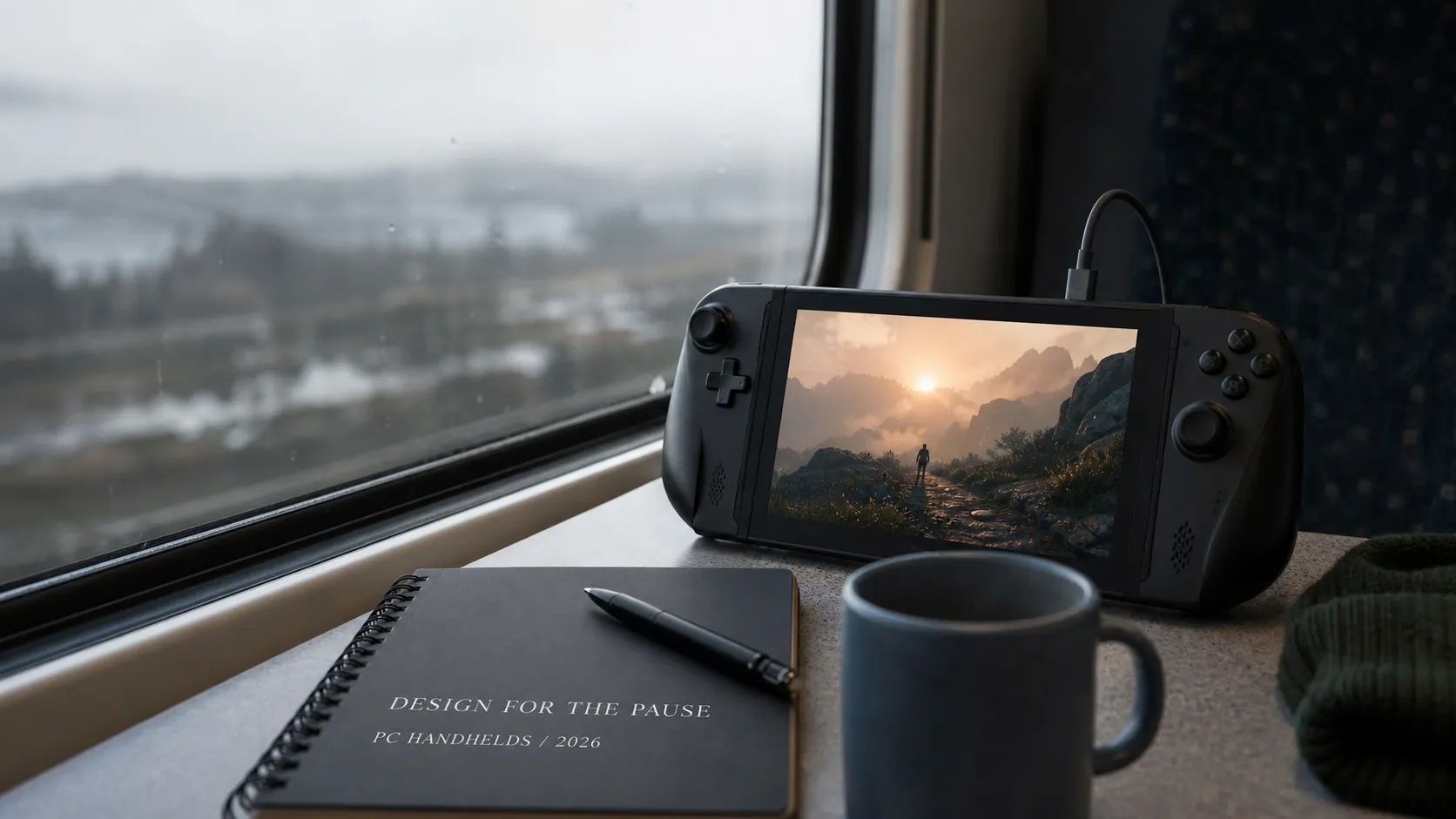
Designing Games for PC Handhelds in 2026: The Pause Is a Feature
PC handheld gaming is turning desktop libraries into portable experiences. This practical guide explains suspend and resume, readable UI, performance budgets, input design, battery trade-offs, and cross-device QA.
Designing for PC handhelds means treating portability as a first-class product constraint: reliable suspend/resume, controller-first navigation, readable UI, stable frame pacing, sensible battery behavior, and testing across device profiles. Valve’s July 2026 Steam survey shows a mixed PC ecosystem, while Microsoft’s handheld guidance explicitly calls out returning the player to the game after sleep or hibernate. [1][2]
Portable play changes the contract with the player
A desktop player can often commit to a session. A handheld player may be standing on a platform, sharing a room, or waiting for a download to finish. The product has to respect the gap between intention and uninterrupted time.
The pause is not a menu state — it is a product promise
On a handheld, pause can mean suspend, lock screen, low battery, a train arriving, or simply putting the device down. These states are not identical, but they share a design requirement: the player should trust that the game will be there when they come back.
That trust touches more than save systems. Network sessions need reconnection behavior. Timed activities need honest rules. Audio should not restart at full volume. The UI should reveal what changed while the player was away. If a background update invalidates the current state, the game needs a graceful explanation instead of a mysterious failure.
This is where portable design becomes systems design. The visible feature may be a pause button; the real work is state recovery, device lifecycle handling, and clear communication.
Five areas that make a handheld build feel native
These are not polish items to add after the PC version is done. They affect architecture, content layout, and QA from the first playable build.
Readable at arm’s length
Use typography, contrast, and information density that survive a smaller screen. Test real gameplay distance, not only a monitor preview.
Controller-first navigation
Every essential action needs a predictable focus order, clear focus state, and a path that does not require a mouse-shaped workaround.
Fast return to context
Resume the player at the right place with enough state to understand what is happening. Avoid booting them into a generic hub after every interruption.
Stable frame pacing
A frame-time spike can feel worse on a small device than a lower but stable frame rate. Profile CPU, GPU, streaming, shaders, and thermals together.
Battery-aware defaults
Offer sensible presets, cap unnecessary work, and make the trade-off legible. Battery life is part of the player experience, not only a hardware concern.
Think in budgets, not one magic FPS number
A handheld target is a moving system: power mode, temperature, screen refresh, background processes, and battery level all change the result.
| Budget | What to measure | Why it matters |
|---|---|---|
| Frame time | 99th-percentile spikes, not only average FPS | Stability is more comfortable than a volatile peak. |
| Thermals | Performance after 20–40 minutes | A build that starts well can throttle later. |
| Loading | Cold boot, resume, scene transition | Portable sessions are more sensitive to waiting. |
| Battery | Drain under realistic play | The player experiences the whole device, not just the render pipeline. |
Compatibility testing should follow real interruption patterns
A device matrix is useful only when the scenarios resemble how people actually play.
Suspend in motion
Suspend during loading, cutscenes, menus, combat, dialogue, and an online session.
Resume after time away
Test short interruptions and long ones, including network changes and low battery.
Switch control modes
Move between built-in controls, external controllers, mouse, keyboard, and touch where supported.
Test the low end
Use the lowest supported preset and a slower storage/network profile. Find the first broken promise, not only the best screenshot.
Read without zooming
Review maps, inventory, tutorials, subtitles, error states, and settings at the actual handheld display size.
What a desktop-first port usually gets wrong
Treating a controller as a keyboard with fewer buttons, producing unclear focus and hidden actions.
Optimizing a screenshot instead of frame pacing, shader compilation, streaming, and thermals.
Assuming every suspend is a clean pause, especially in networked or timed systems.
Shrinking desktop UI until it fits instead of redesigning hierarchy and interaction cost.
Testing one device and calling it handheld support. The category is diverse, and the failure modes are not identical.
Summary
A strong handheld version is not the smallest version of the PC build. It is the version that understands portable attention.
Sources and further reading
Make the game travel well
The central lesson is simple: a handheld game should be ready when the player is ready. That means preserving state, reducing friction, staying readable, and remaining stable after the first twenty minutes — not only looking good in a launch trailer. Designing for a pause changes what teams measure. The question is not only whether the game reaches a target frame rate, but whether the player can leave, return, understand the context, and continue without fighting the device. A portable game succeeds when portability disappears into trust: the player feels that the game fits the shape of their day, rather than asking their day to fit the game.
Related Articles
How to Add Mau Saver to a Telegram Group and Save Media in Chat
A practical guide to adding Mau Saver to a Telegram group and downloading videos, audio, and posts directly in the chat.

How to Advertise to an International Telegram Media Audience
A practical guide for advertisers: reach an international Telegram audience through Mau Saver Bot, group placements, pinned posts, and native media integrations.
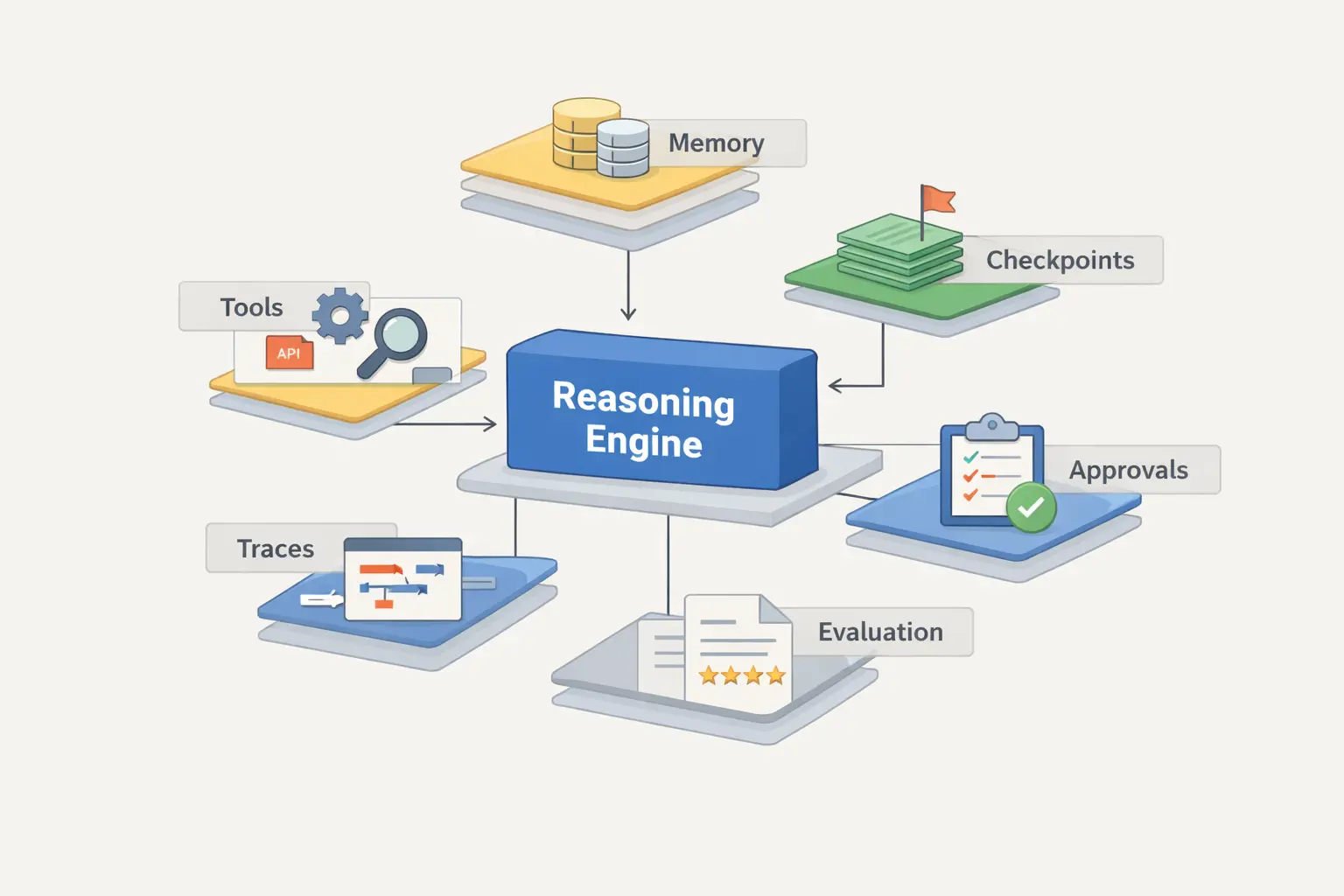
AI Assistant Development Cost in 2026: RAG Chatbots, CRM Integrations, Guardrails, and Support
A practical buyer guide to AI assistant development cost in 2026: prototypes, RAG chatbots, knowledge-base assistants, CRM and website integrations, guardrails, evaluations, monitoring, and support.
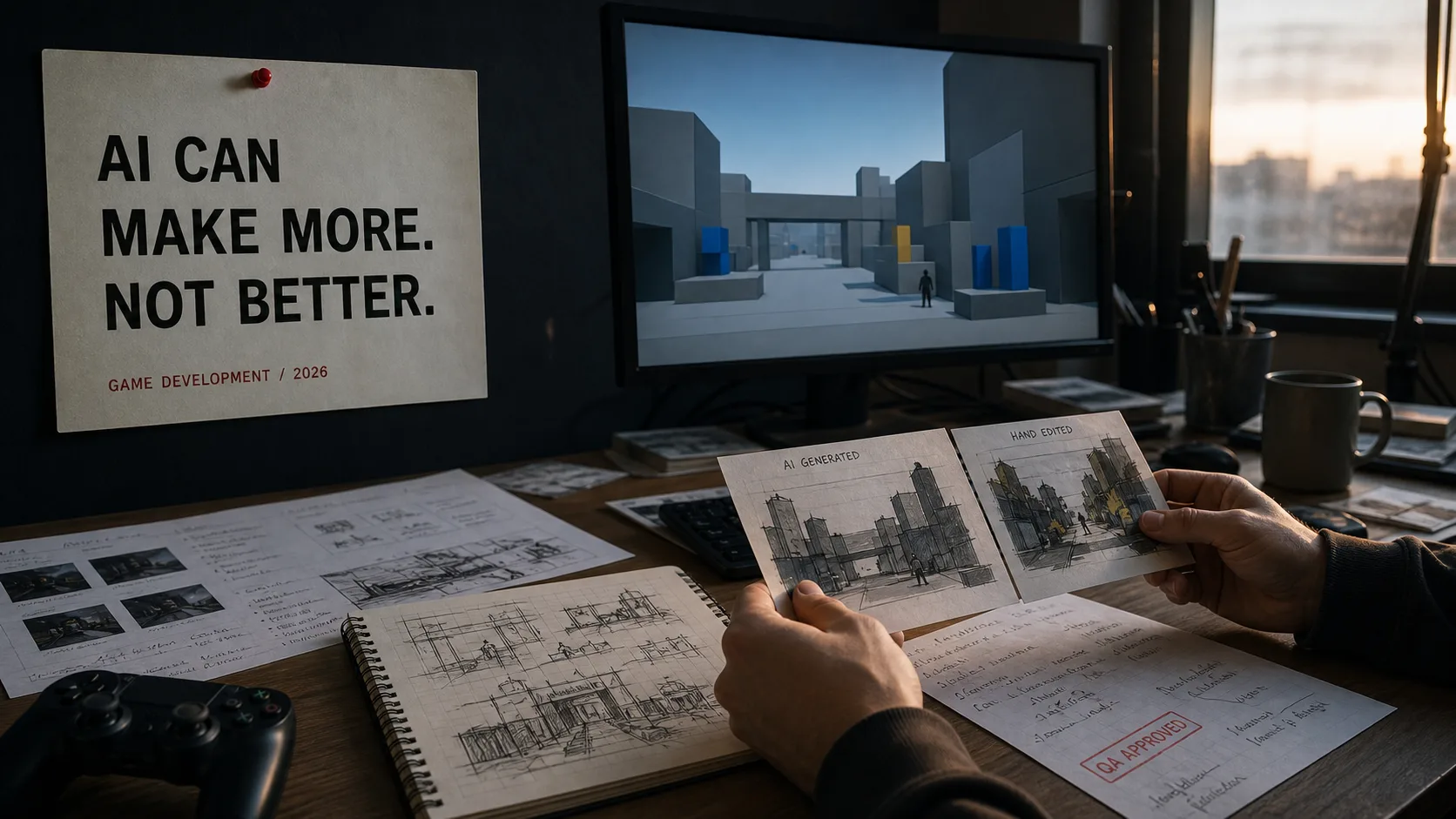
AI Can Make More. Not Better: What Game Development Research Actually Says
Generative AI is entering game production, but the evidence is more nuanced than the hype. We examine developer adoption, player reception, quality risks, and a practical production model for using AI without outsourcing taste.