Miya Neko — Pixel-Art Cat Character with Emotions, Outfits & Animations
A pixel-art cat character with 9 emotions, 17 outfit styles and 154 looping GIF animations: 388 resources in total, plus 10 transparent clothing layers.
A customizable 2D character for avatars, visual novels, cozy games, pet and companion apps, chat stickers and prototypes that need an expressive mascot.
What's included
- 388 resources: cat sprites, expressions, outfits and accessories
- 9 emotions: neutral, happy, tsundere, sleepy, sad, proud, angry, love, surprised
- 17 outfit styles: hats, bows, crowns, glasses, headphones, flowers and colour variants
- 154 looping GIF animations at 512×512 and 25 FPS
- 10 transparent clothing layers for your own combinations
- Offline HTML viewer with search, zoom and animation previews
Built for practical game workflows
Use the PNG textures for runtime rendering or the GIFs for quick previews and stickers. Stack the transparent clothing layers to build your own outfit combinations, or import the per-engine packages for Unity, Godot and Unreal.
How to import Miya Neko into Unity, Godot and Unreal
Unity
- Unzip the Unity package and copy its Assets/ folder into your project.
- Select the textures and set Texture Type to Sprite (2D and UI).
- Set Filter Mode to Point (no filter) and Compression to None to keep pixel edges sharp.
- Drag sprites into the scene or assign them to Image components for UI.
Godot
- Unzip the Godot package and copy the folder into your project's res:// tree.
- In Project Settings → Rendering → Textures, set Default Texture Filter to Nearest for pixel art.
- Assign PNGs directly to Sprite2D or TextureRect nodes.
- Use the CSV/JSON names as stable IDs in your item or UI data instead of hard-coding file paths.
Unreal
- Unzip the Unreal package and copy its Content/ folder into your project's Content directory.
- Set the textures' Texture Group to 2D Pixels (unfiltered) and Compression to UserInterface2D.
- Create Paper2D sprites from the textures, or use them directly as UMG image brushes.
- Group related sprites in one folder to keep material and brush setup consistent.
License and source
Licensed for personal and commercial projects. You may use and modify the assets, but not resell or redistribute them as standalone assets; see the included LICENSE.txt.
PAS7.com documents the pack for discovery and comparison. The itch.io listing and the files shipped with the archive are the source of truth for the current release.
Read the asset license guide →FAQ
Miya Neko costs $9.98 on itch.io. A free demo (Miya Neko Demo) lets you test the style and scale before buying.
388 resources: cat sprites, expressions, outfits and accessories. 9 emotions: neutral, happy, tsundere, sleepy, sad, proud, angry, love, surprised. 17 outfit styles: hats, bows, crowns, glasses, headphones, flowers and colour variants. 154 looping GIF animations at 512×512 and 25 FPS. 10 transparent clothing layers for your own combinations. Offline HTML viewer with search, zoom and animation previews.
Yes. The download includes prepared Unity, Godot, Unreal exports. The transparent PNGs also work in any other engine or framework.
Licensed for personal and commercial projects. You may use and modify the assets, but not resell or redistribute them as standalone assets; see the included LICENSE.txt. Always check the license file shipped with the version you download.
On itch.io. PAS7.com is the searchable catalog and technical overview; the archive, payments and updates are handled on the official itch.io listing.
Related asset packs
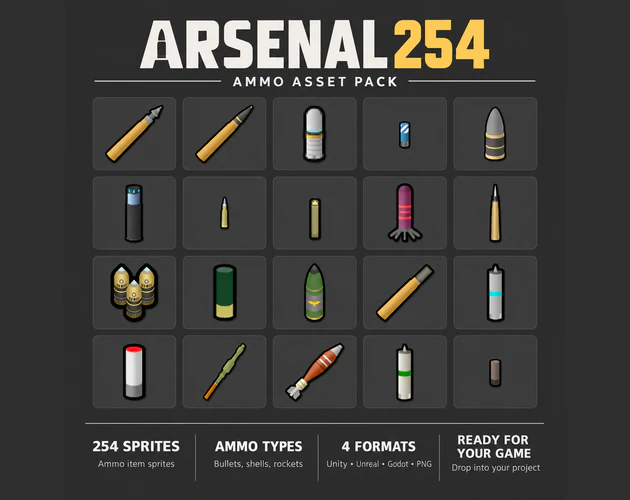
ARSENAL 254
254 2D ammunition sprites across 64 categories — bullets, cartridges, artillery shells, rockets and sci-fi ammo — with atlases and engine packages.
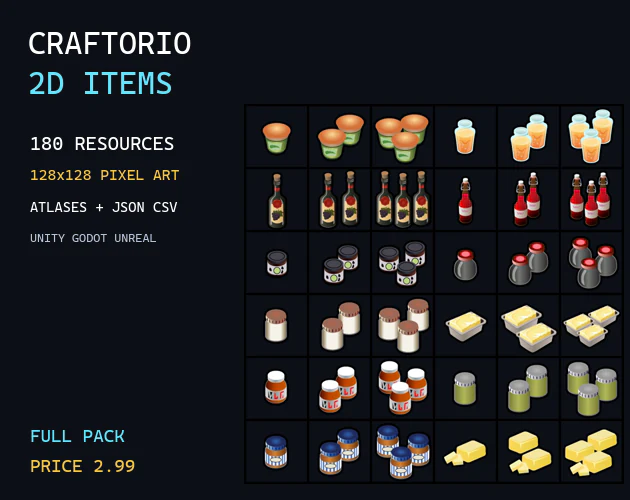
Craftorio
512 pixel-art crafting, food and trade item sprites across 180 resources and 63 content groups, with atlases and engine exports.
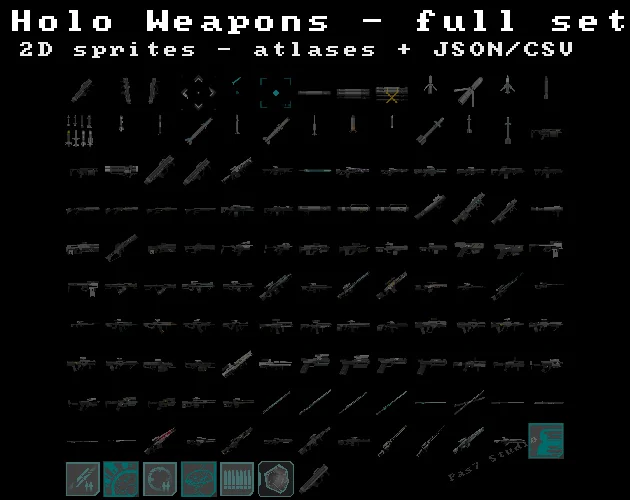
Holo Weapons
Holographic sci-fi weapons, projectiles, UI elements, apparel and CMC rocket assets with atlases, JSON/CSV mappings and engine packages.
Get the pack from the source
Use PAS7.com to compare the pack and inspect the technical contents, then download the current release directly from PAS7 Studio on itch.io.


