
NestJS on Bun: compatibility tested in 2026
A practical NestJS and Bun compatibility matrix, local measurements, migration pitfalls and a reproducible test setup.
What this test can tell you
Bun can start a NestJS application, but a successful HTTP response does not establish compatibility for your database driver, background jobs or monitoring. We tested a small application on Windows x64 on 11 November 2026. The matrix describes this setup, not a guarantee for your stack.
Tested versions: NestJS 11.1.24, Bun 1.3.14 and Node.js 22.14.0. A pass applies only to the stated scenario. Download the fixture and recorded results at the end of the article.
Compatibility matrix: tested and unknown
| Component | Result | What it means |
|---|---|---|
| HTTP: Express / Fastify | Pass | Both adapters returned the expected JSON from GET /health on both runtimes. |
| Request context | Pass, narrowly | AsyncLocalStorage preserved 50 IDs across concurrent delayed requests on both adapters and runtimes. |
| WebSocket | Not tested | Test transport, reconnection, authentication and load separately. |
| Prisma / Drizzle | Not tested | Test your exact driver, native dependencies, migrations and transactions. |
| Cluster and workers | Not tested | Verify process lifecycle and graceful shutdown on the deployment OS. |
| Test runners | Not tested | Run your project suite; starting a server does not establish test-runner compatibility. |
| Docker and observability | Not tested | Validate your image, tracing, logs, metrics and shutdown in the target environment. |
A small benchmark, not a capacity forecast
Client and server ran on the same Windows machine. Each combination ran once, sequentially: 30 warm-up requests, then 200 GET /health requests at concurrency 10. The endpoint returns a small JSON object; there is no database or network hop. p95 is the 95th percentile of client-observed latency. The numbers are noisy and cannot establish production capacity or a winner.
| Runtime and adapter | Requests/s | p95 |
|---|---|---|
| Node.js 22.14.0 + Express | 3,136 | 4.77 ms |
| Bun 1.3.14 + Express | 3,689 | 3.91 ms |
| Node.js 22.14.0 + Fastify | 4,392 | 3.55 ms |
| Bun 1.3.14 + Fastify | 2,797 | 5.28 ms |
Reproduce and extend the test
Download the fixture and recorded output below. Install pinned dependencies with Node and npm, then run the driver; it starts Node and Bun servers in turn. Both runtimes must be on PATH. On Windows the driver stops its own child process tree after each run. Results depend on your machine and background load.
npm ci
node verify.cjs
For a decision, repeat runs, alternate their order, record CPU and memory, and use representative requests, real dependencies and your target Linux or container configuration. Measure throughput alongside error rate and p95/p99 latency under a defined load. Save exact versions and commands.
Three migration traps
1. The server starts, but the request context changes. A request or tenant ID must survive asynchronous work without leaking into another request. The fixture checks delayed concurrent requests and their IDs; it does not cover every library or tracing integration. Add your own transaction and queue paths.
2. Installation succeeds, but a dependency fails at runtime. Native addons, database drivers and instrumentation may rely on Node APIs or platform-specific binaries. Test the exact lockfile and operating system with real queries and migrations. Bun documents Node compatibility and remaining differences; it does not guarantee that every package works. [1]
3. A fast endpoint hides operational failures. Check shutdown during in-flight work, health probes, timeouts and telemetry exports in the actual container. A benchmark without the database and network cannot predict end-to-end response time.
When to stay on Node.js
Keep Node.js when an essential dependency, tracing agent or production platform has not passed your acceptance tests on Bun, the supported stack is a contract requirement, or the expected benefit is smaller than migration and maintenance costs. Bun can be a candidate for a new or isolated service whose dependencies are verifiable; test a rollback path too.
A one-day evaluation checklist
This is an evaluation agenda, not a promise of production migration in one day.
1. Record runtime, NestJS, adapter, OS, dependency and lockfile versions; define success and rollback criteria.
2. Start the existing application and run its unit and integration tests on both runtimes.
3. Exercise authentication, validation, errors, database transactions and background work; add WebSocket tests if used.
4. Run a production-like container with logging, tracing, health checks and graceful shutdown.
5. Repeatedly measure representative flows, compare error rates and tail latency, and investigate differences.
6. Document failures and ownership; decide whether to keep Node, run a limited pilot, or investigate further.
Explore the wider stack
See our articles on [NestJS and Bun performance](/blog/en/nestjs-bun-performance-2026), [Bun versus Node.js](/blog/en/bun-ready-bun-vs-node-2026), and [request context with AsyncLocalStorage](/blog/en/nestjs-request-context-als-2026).
Sources and test fixture
Need help evaluating a backend?
PAS7 can help assess the stack and the work needed to build or adapt a web application.
Related Articles

Bun vs Node.js in 2026: Why Bun Feels Faster (and How to Audit Your App Before Migrating)
Bun is shipping a faster, all-in-one JavaScript toolkit: runtime, package manager, bundler, and test runner. Here’s what’s real (with benchmarks), what can break, and how to get a free migration-readiness audit using @pas7-studio/bun-ready.

Running NestJS on Bun.js: setup guide and performance optimizations for 2026
How to run NestJS on the Bun runtime, what performance gains to expect, and which optimizations to apply immediately. Covers SWC compilation, lazy loading modules, Prisma + Bun, Docker configuration, and benchmarks comparing NestJS on Bun vs NestJS on Node.js.
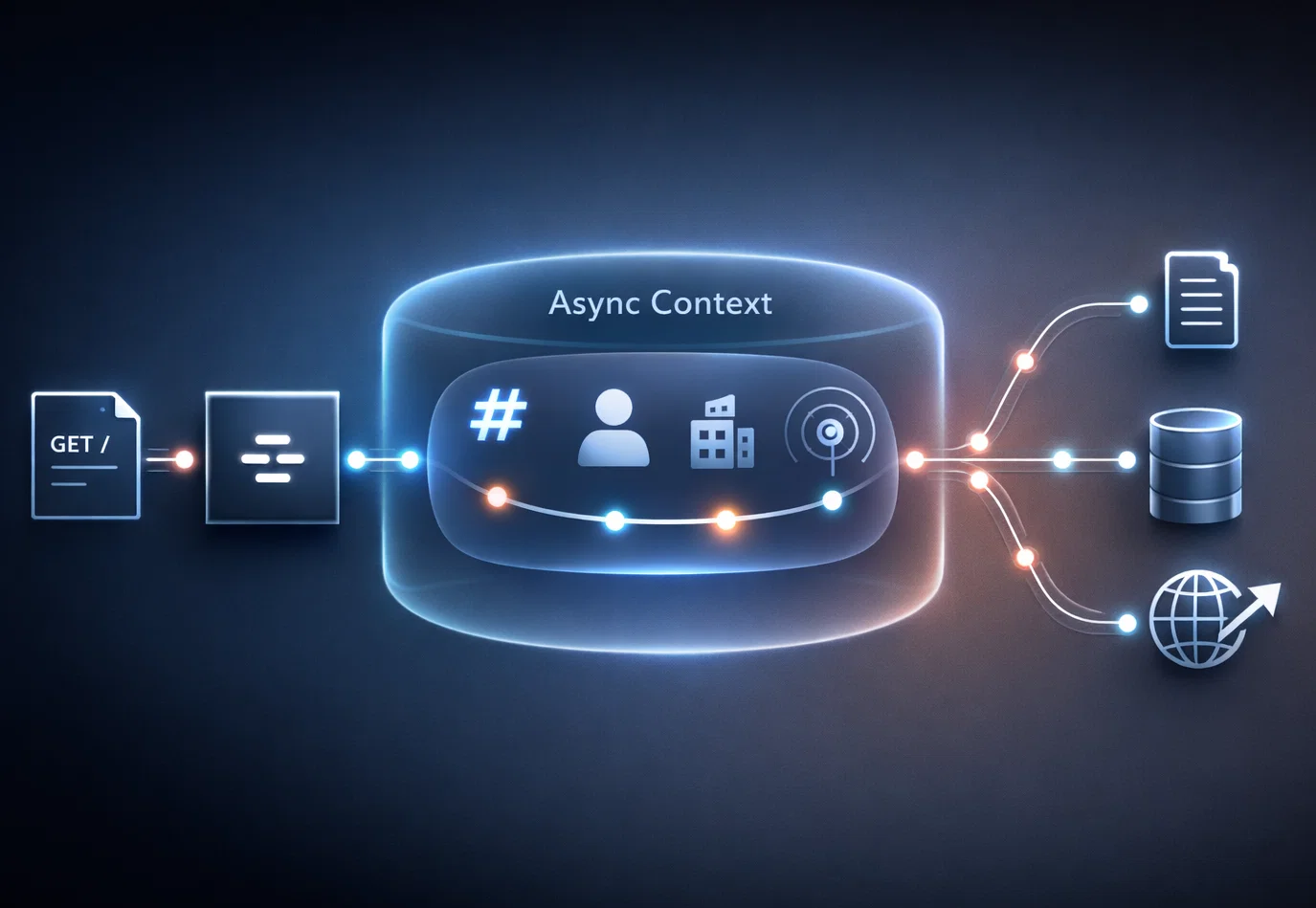
The NestJS Request Context Problem: Request-Scoped DI vs AsyncLocalStorage (ALS) — a Practical Production Blueprint (2026)
A deep, source-backed guide to the most painful NestJS problem: request context (user, tenant, correlation IDs, tracing) without turning your DI graph into REQUEST scope. Includes comparisons, real-world patterns, and a practical blueprint featuring @pas7/nestjs-request-context.