Holo Icons — 68 Holographic Sci-Fi UI & Weapon Icons
68 holographic-style PNG icons: 60 UI, 5 weapon and 3 extra icons, mostly at 512×512, with grouped atlases and engine packages.
A high-resolution sci-fi interface set for HUDs, menus, inventories and control panels that need a consistent holographic look.
What's included
- 68 icons: 60 UI, 5 weapon, 3 additional
- 62 icons at 512×512, plus 192×192 and 128×128 sizes
- UI, Weapons, Others and full-set atlases
- JSON and CSV atlas mappings with manifests
- Unity, Godot 4.x and Unreal Engine packages
Built for practical game workflows
The 512×512 sources scale down cleanly for any HUD size. Use the grouped atlases for runtime batching or the individual PNGs for UI frameworks that load single textures.
How to import Holo Icons into Unity, Godot and Unreal
Unity
- Unzip the Unity package and copy its Assets/ folder into your project.
- Select the textures and set Texture Type to Sprite (2D and UI), Pixels Per Unit to 512 for a one-sprite-per-unit grid.
- Keep Compression on High Quality for UI; use mipmaps only for sprites that are scaled down in world space.
- For many sprites on screen, add the atlas pages to a Sprite Atlas so they batch into fewer draw calls.
Godot
- Unzip the Godot package and copy the folder into your project's res:// tree.
- Keep the default Linear filter for smooth, non-pixel artwork.
- Use AtlasTexture resources (or the JSON frame data) to reference individual sprites from the atlas pages.
- Use the CSV/JSON names as stable IDs in your item or UI data instead of hard-coding file paths.
Unreal
- Unzip the Unreal package and copy its Content/ folder into your project's Content directory.
- Set Texture Group to UI and Compression to UserInterface2D for icons and HUD art.
- Create Paper2D sprites from the textures, or use them directly as UMG image brushes.
- Use the JSON/CSV atlas mappings to slice atlas pages if you build sprites programmatically.
License and source
Personal and commercial use is allowed under the included LICENSE.txt; reselling or redistributing the source assets as a standalone pack is not.
PAS7.com documents the pack for discovery and comparison. The itch.io listing and the files shipped with the archive are the source of truth for the current release.
Read the asset license guide →FAQ
Yes. Holo Icons is pay-what-you-want on itch.io: you can enter $0 and download the complete pack, or pay any amount to support further releases.
68 icons: 60 UI, 5 weapon, 3 additional. 62 icons at 512×512, plus 192×192 and 128×128 sizes. UI, Weapons, Others and full-set atlases. JSON and CSV atlas mappings with manifests. Unity, Godot 4.x and Unreal Engine packages.
The main resolution is 512×512.
Yes. The download includes prepared Unity, Godot, Unreal exports, plus texture atlases with JSON/CSV mappings for custom engines. The transparent PNGs also work in any other engine or framework.
Personal and commercial use is allowed under the included LICENSE.txt; reselling or redistributing the source assets as a standalone pack is not. Always check the license file shipped with the version you download.
On itch.io. PAS7.com is the searchable catalog and technical overview; the archive, payments and updates are handled on the official itch.io listing.
Related asset packs
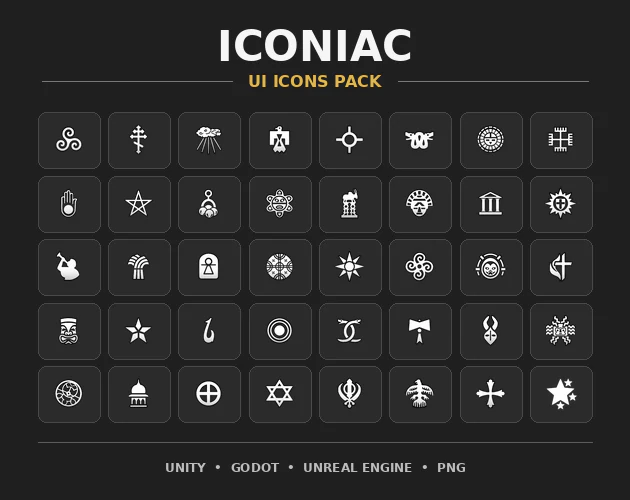
Iconiac
A versatile set of clean 2D UI icons for games, apps and HUDs, with POT atlases, JSON/CSV mappings, manifests and Unity, Godot and Unreal packages.
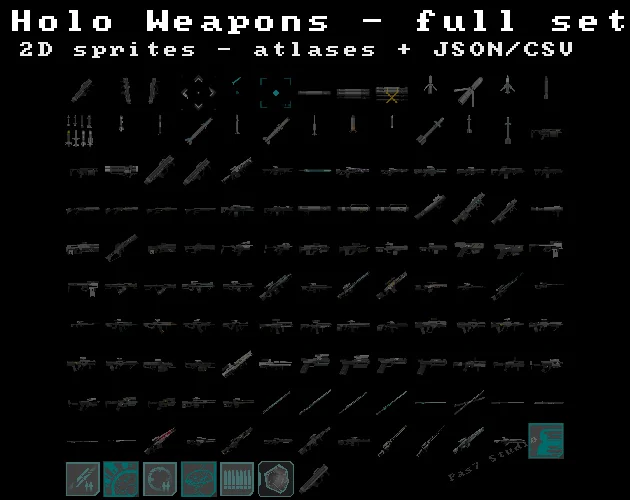
Holo Weapons
Holographic sci-fi weapons, projectiles, UI elements, apparel and CMC rocket assets with atlases, JSON/CSV mappings and engine packages.
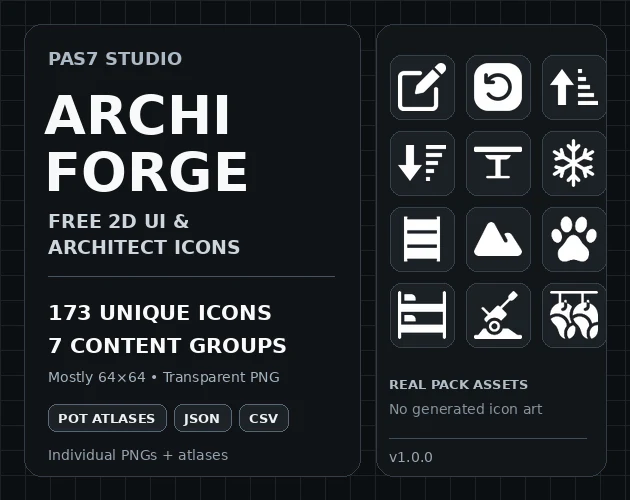
Archiforge
173 unique 2D game UI and architect-category icons across 7 groups with POT atlases and engine export folders.
Get the pack from the source
Use PAS7.com to compare the pack and inspect the technical contents, then download the current release directly from PAS7 Studio on itch.io.


